Skip to content

The invisible
AI copilot

Used by students & engineers

No shortcuts No overlays

LeetPilot runs hidden on your computer and answers from your phone.

  • engineers & students
  • questions answered
  • 0detections reported

The problem

Every shortcut
leaves a trace

Don’t fall for other “invisible” copilots.

LeetPilot works without shortcuts.

keystroke listeneridle

How it works

Everything happens
off your screen

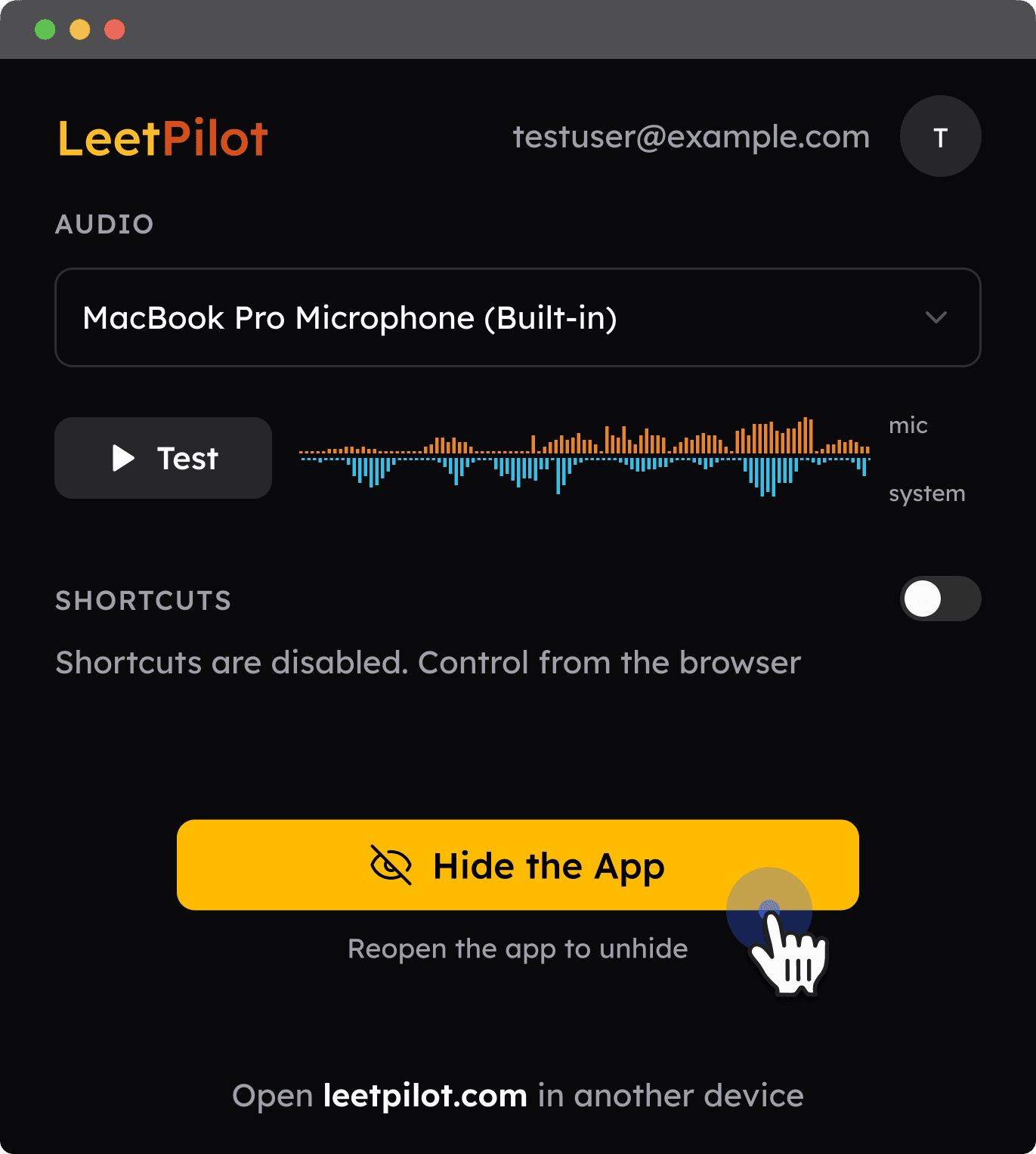
Open it, then hide it

The app keeps running in the background.

  • No windows
  • No dock icon
  • No tray
The LeetPilot desktop app showing audio input, disabled shortcuts and a Hide the App button

Drive it from your phone

Open leetpilot.com on your phone, tablet or laptop. Use it to remotely trigger screenshots and transcription.
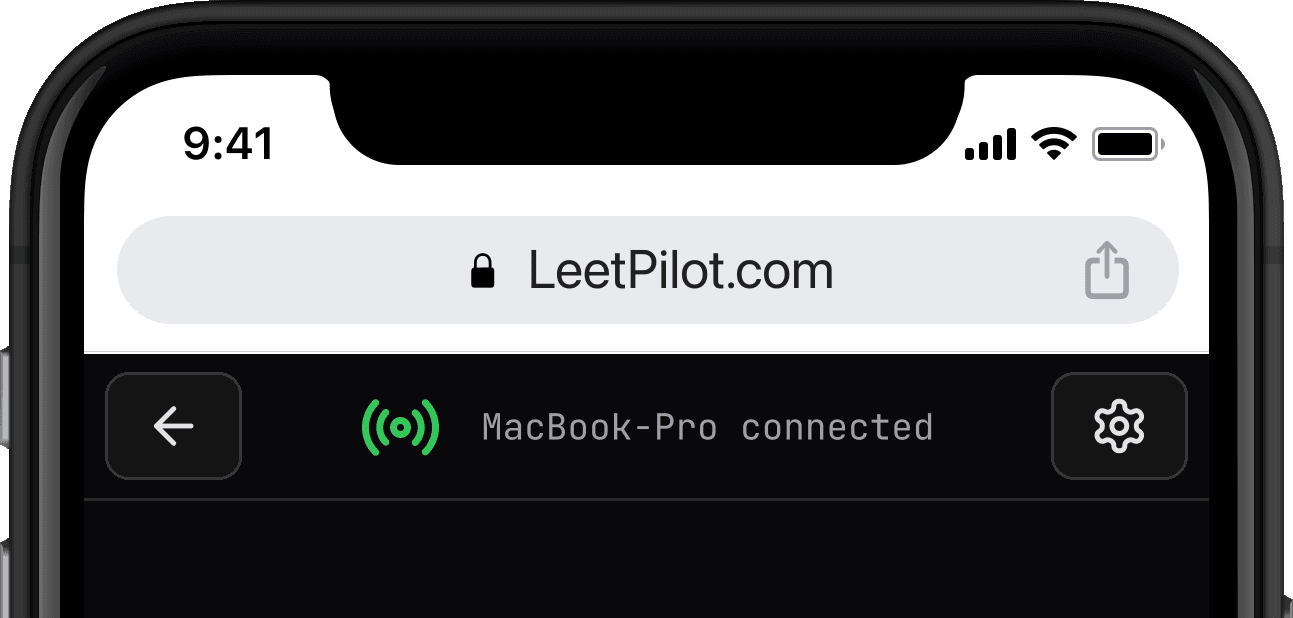
A phone browser open at leetpilot.com, showing the Mac it is connected to

Remotely capture screen and audio

One tap on your second device captures what’s on your computer.

Screenshot Reads your screen

Capture the problem exactly as it appears. Stack several shots for long questions.

Listen Hears the room

Live transcription of both sides, speaker by speaker, so answers follow the conversation.

Pricing

Free

$0

Test the whole flow before you pay

  • Try the end-to-end flow
  • 15 minutes of live transcription
  • Screenshot capture, full quality
  • Parts of responses blurred
Download free

No credit card required

Most popular

Pro

$49 / month

Everything, with no hard limits

  • Unlimited answers, no hard limits
  • Totally undetectable, no shortcuts
  • Multiple helper devices at once
  • Computer, phone & tablet
  • All programming languages
  • Support within 24 hours
  • 100% privacy, nothing stored
Get LeetPilot Pro

Pay once. No automatic charge when plan ends.

FAQs

Why can’t LeetPilot be detected?

Other “invisible” copilots still depend on a global shortcut or an overlay window, and some screen-share tools show that overlay as a black box. LeetPilot has neither. You trigger every capture from your phone and read the answers there, so nothing appears on the computer you’re sharing.

Does it work with any app or website?

Yes. LeetPilot doesn’t plug into any specific site or editor. It reads whatever is on your screen, so a web page, a shared code editor or text in Notepad all work the same way.

What do I need on my phone?

Just a browser. Open leetpilot.com and sign in. Use as many phones, tablets or laptops as you like: they stay in sync, so a screenshot or transcript you trigger on one shows up on all of them.

What kinds of questions can it help with?

Any question it can read on your screen or hear in the call, from coding and system design to behavioural and general ones. The built-in code runner supports Python, Java, C, C++, C#, Go, Rust, Kotlin, Swift, Scala, Dart, Ruby, JavaScript, TypeScript and SQL.

Which languages does transcription support?

English only, for now. If you need another language, email [email protected].

Try it free.
Set up in minutes.

Free to try No credit card